Does Unit Trac integrate with QuickBooks?
Yes. Financial Connections sends the payments you take in Unit Trac to your accounting software, so nobody has to type them in again. Set it up under Accounting > Financial Connections.
QuickBooks Online
Connect your QuickBooks Online company and send payments with one click. You choose how they’re recorded:
- Bank deposits: each payment is deposited straight into the bank account you choose.
- Sales receipts: each payment is split by charge, such as rent, late fees and sales tax, and waits in Undeposited Funds until you make the bank deposit in QuickBooks.
For step-by-step instructions, see Sync Payments to QuickBooks Online.
QuickBooks Desktop
Download a .QBO Web Connect file of your payments and import it into QuickBooks Desktop Pro, Premier or Enterprise.
Other accounting software
Download an Excel (.XLSX) file of your payments to bring into Sage, Xero or the accounting software of your choice.
Reconcile with the Revenue Report
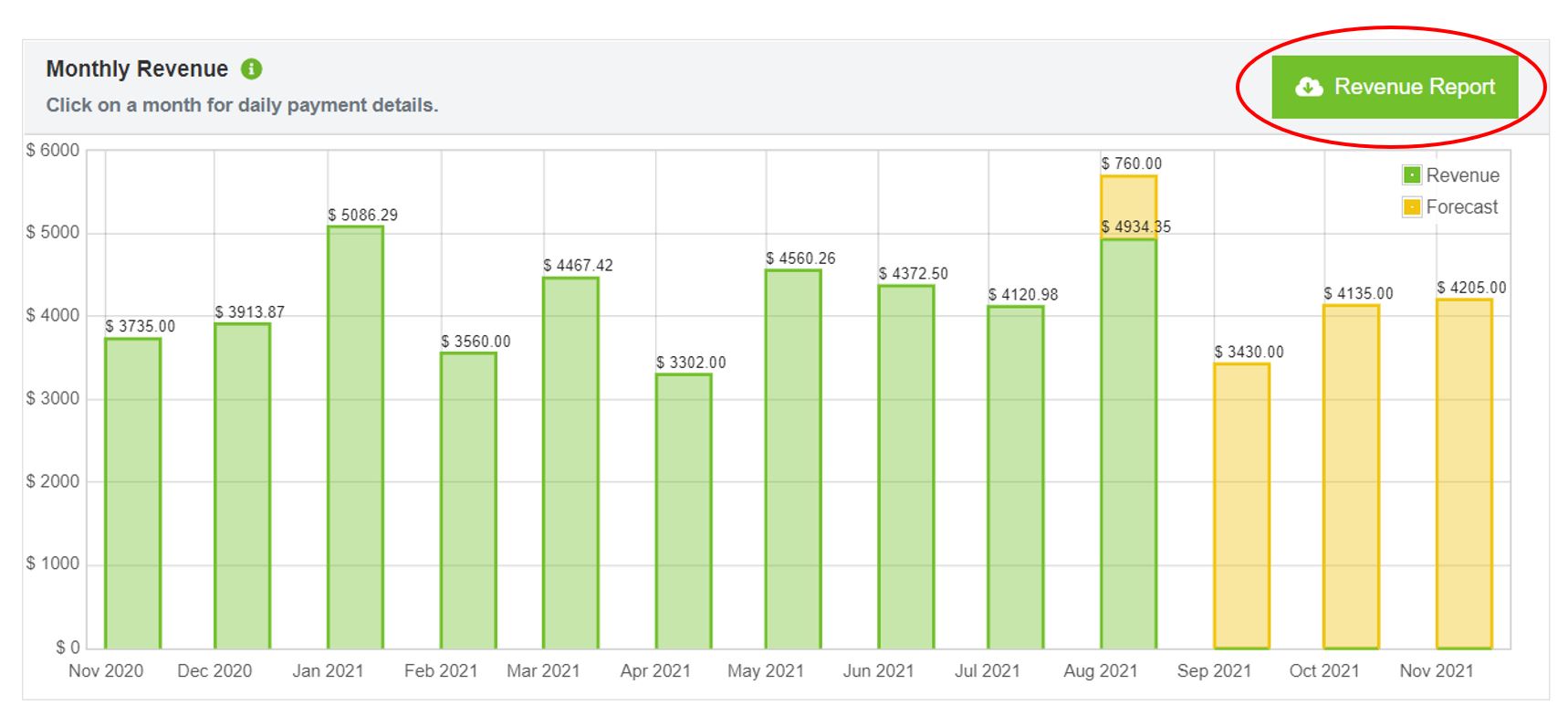
The Revenue Report in the Accounting section lists your payments with their dates, amounts, and any fee and tax information, for whatever date range you choose. Use it to check your books against Unit Trac, or for monthly, quarterly or year-end totals.